

Lexington Law login starts at one page: app.lexingtonlaw.com/auth/sign-in. Enter your email. Enter your password. Click Sign In. That is it.
I run a credit repair company. Clients call us after getting locked out of Lexington Law during an active dispute. That is a bad time to lose access. Knowing the process now prevents that problem.
The Lexington Law support page lists login issues as one of the top reasons clients contact their team. A few minutes of prep saves you a lot of stress later.
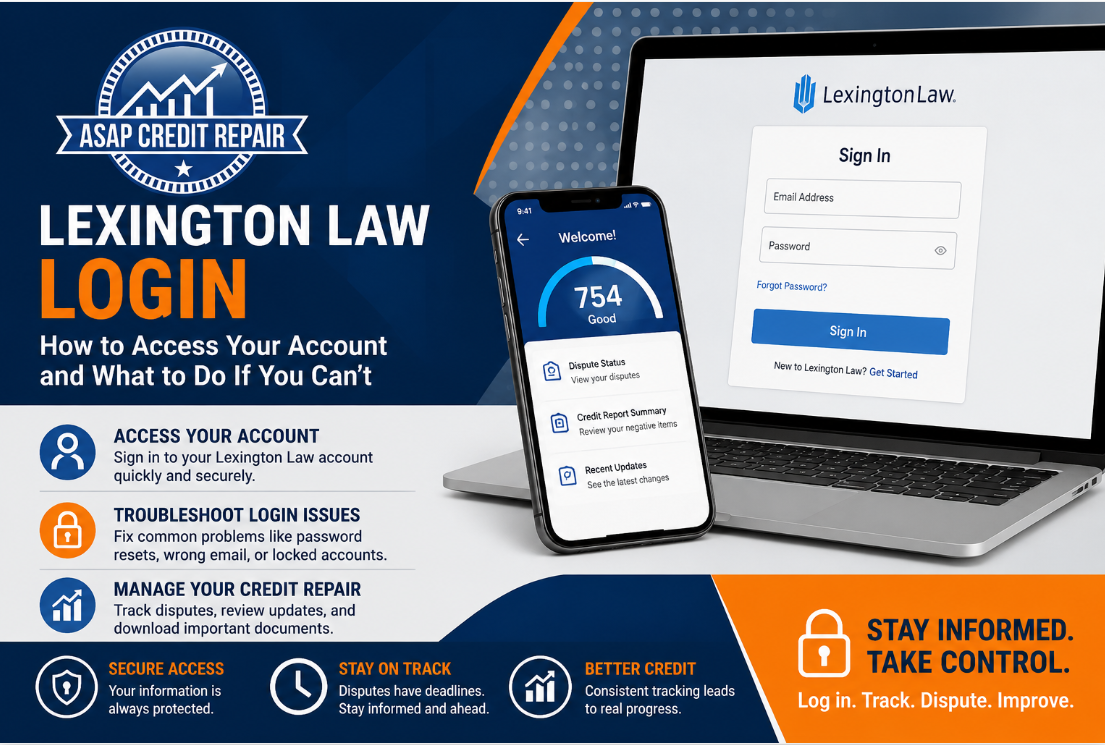
How to Log In to Your Lexington Law Account
Lexington Law has one login portal. All clients use it. No separate links for different plans.
Here is how to sign in:
Go to app.lexingtonlaw.com/auth/sign-in
Type in your email address
Type in your password
Click Sign In
Logging In on Mobile
Lexington Law has an app. It works on both iPhone and Android. Download it from the App Store or Google Play. Use the same email and password as the desktop version. The app shows your score, your disputes, and recent account updates.
First Time Logging In
Check your email after signing up. Lexington Law sends a confirmation link. Click that link first. Without it, your login will not work. Check spam if you do not see it within a few minutes.
Lexington Law Login Problems and How to Fix Them
Most login issues come down to three things. Each one has a simple fix.
Forgot Your Password
Go to app.lexingtonlaw.com/auth/sign-in
Click "Forgot Password"
Type in your email
Check your inbox for a reset link
Click the link and set a new password
No email? Check spam. Still nothing? Try a different email. Many clients sign up with a work email and forget which one they used.
Wrong Email Address
Your account links to one specific email. If the system says the account does not exist, you may have the wrong email. Try every email address you own. Still stuck? Contact Lexington Law at lexingtonlaw.com/our-firm/contact-us.
Account Locked
Too many wrong password attempts locks your account. Wait 15 to 30 minutes. Then use the password reset option. Do not keep guessing. That only delays access longer.
What You Can Do Once You Log In
Your dashboard has everything you need to track your credit repair progress.
Check Your Dispute Status
The dashboard shows every item in dispute. It shows which bureau responded and what the result was. Lexington Law works with Equifax, TransUnion, and Experian.
View Your Credit Summary
Your account lists every negative item on your report. This includes collections, late payments, charge-offs, and hard inquiries. Each item shows its current status and any active disputes.
Update Your Information
You can change your email, billing details, and contact settings inside your account. Keep your email current. Lexington Law sends dispute updates and bureau responses there.
Download Your Documents
Your account stores every dispute letter sent on your behalf. Download them any time. Keep copies. You may need them if you file a complaint with the CFPB later.
Lexington Law Login vs. Signing Up
Existing clients use the login page. New clients start at app.lexingtonlaw.com/credit-snapshot/pi.
Do not create a second account by mistake. Two accounts under the same name cause billing and dispute problems. Use the login page and reset your password if needed.
Locked Out or Unsure About Your Credit Repair Progress?
If login problems, missed dispute updates, or confusing credit report changes are slowing you down, ASAP Credit Repair can help you review your credit report and build a clearer next step.
Get Your Free Credit Report ReviewFast review • Clear dispute guidance • Personalized credit repair support
How to Contact Lexington Law If You Still Cannot Log In
None of the fixes worked? Reach out directly.
Phone: Find the number at lexingtonlaw.com/our-firm/contact-us
Email: Use the contact form on their site
Live chat: Available on the main site during business hours
Have your full name, your registered email, and the last four digits of your card ready. That helps their team verify you fast and restore your access.
Your disputes run on a clock. Credit bureaus respond within 30 days. Log in often. Check your dashboard. Stay ahead of every deadline.